
-
Open the Settings app.
-
Tap your name, then tap Find My.
-
If you want friends and family to know where you are, turn on Share My Location.
-
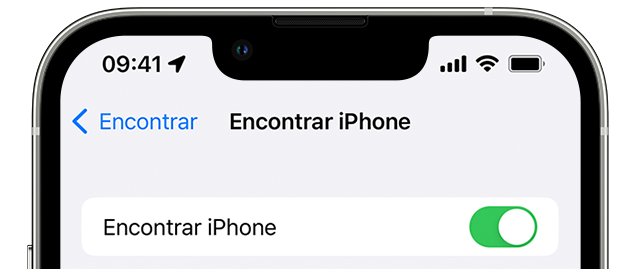
Tap Find My [device], then turn it on.

-
To see your device even when it's offline, turn on Find My network*.
-
To send your device's location to Apple when the battery is low, turn on Send Last Location.
If you want to be able to find your lost device on a map, make sure Location Services are turned on. To do this, go to Settings > Privacy & Security > Location Services and turn on Location Services.
* The Find My network is an encrypted, anonymous network of hundreds of millions of Apple devices that can help you locate your device.
source: apple.com
Partilhar:
Everything you need to know about your iPhone battery
OpenAI and Apple announce partnership to integrate ChatGPT